What Is a Chatbot and How Does It Help?
People often meet chatbots in simple everyday situations: when they check an order, ask about a service, book an appointment, or contact support outside working hours. They may not think about the chatbot meaning at that moment. They only see that a chat window gives them a faster way to get an answer.
So, what are chatbots in practical terms? They are digital assistants that communicate with users through text or voice and help them complete a task. Some follow fixed scripts, while more advanced tools use AI artificial intelligence chat technologies to understand questions and respond more naturally.
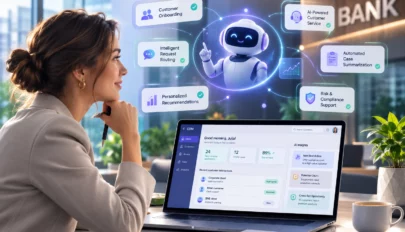
For business, this is where chatbot artificial intelligence becomes useful. An AI conversation bot can reduce repetitive work, support customers 24/7, collect request details, and connect conversations with CRM, service, or workflow systems.


What is a chatbot in simple terms?
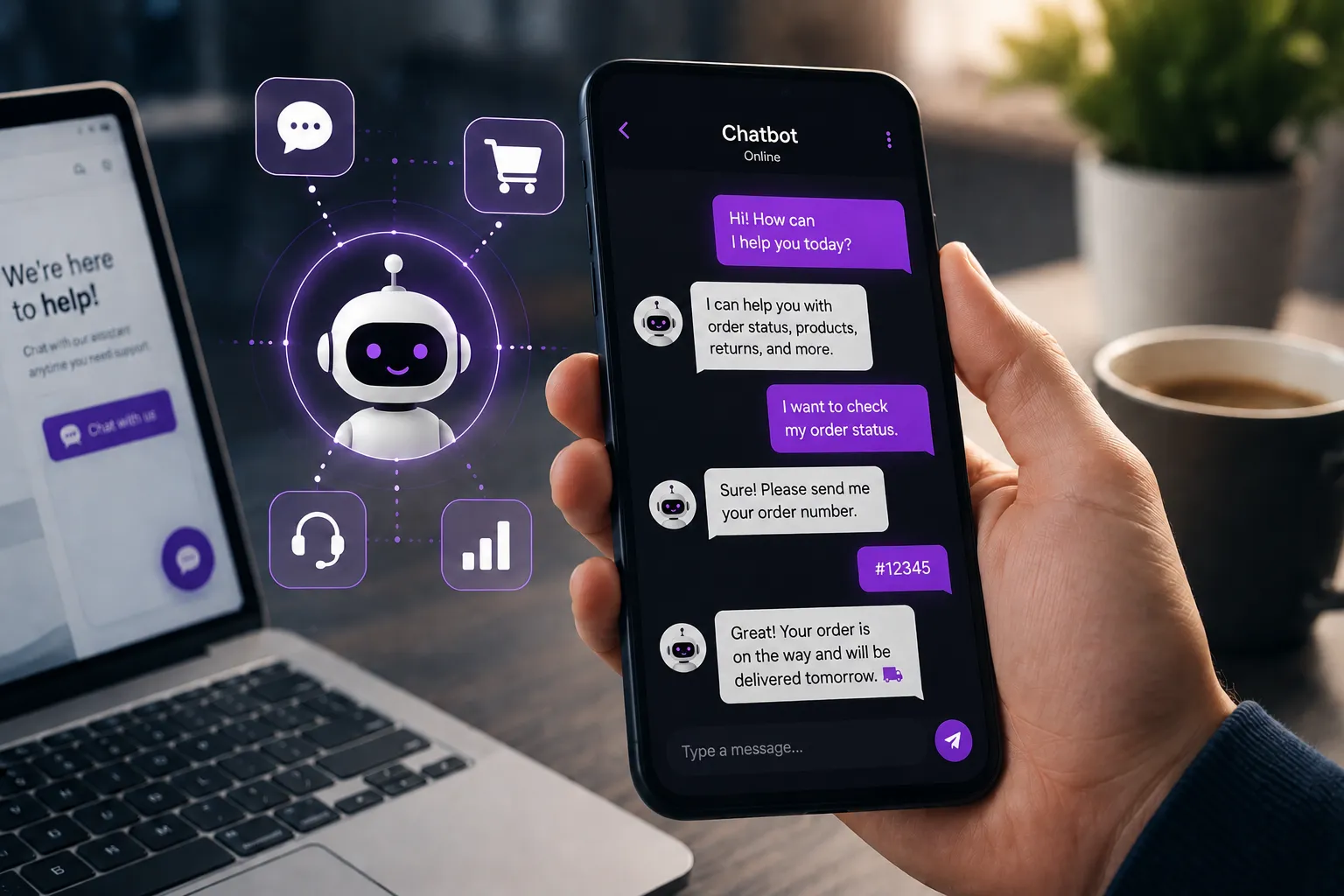
A chatbot is a digital assistant that communicates with users in a chat window, messenger, website widget, or app. A simple bot can answer standard questions like “What are your opening hours?” A more advanced bot can understand intent, ask follow-up questions, search knowledge, and guide a user through a process.
IBM’s overview makes the same distinction: some bots are basic and rule-based, while modern chatbots increasingly use AI and NLP to manage more complex conversations.
So if someone asks, “What is the real chatbot meaning?” the practical answer is this: it is a conversational interface that helps a person get information or complete an action faster than through a traditional form, email, or call queue.
Where do you actually see chatbots?
You see chatbots almost everywhere customers need a quick answer.
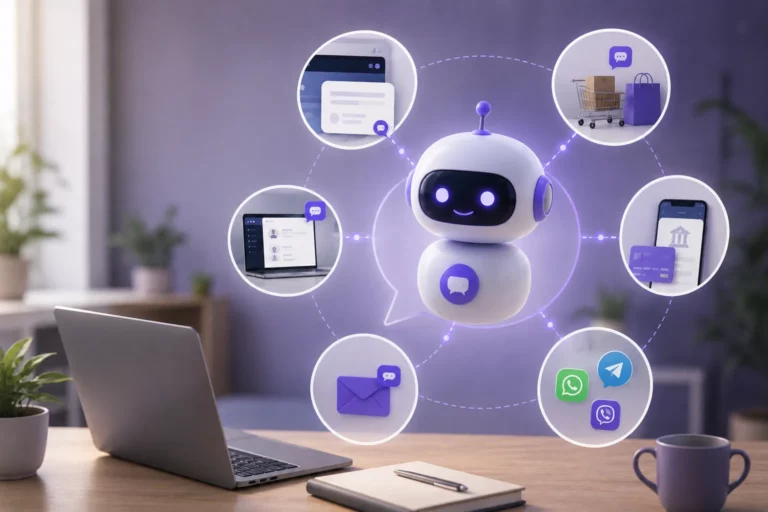
Common places include:
- website support widgets
- ecommerce product or order pages
- banking and telecom self-service flows
- internal employee help desks
- WhatsApp, Telegram, and Viber support channels
- service portals and customer accounts
A good service chatbot is usually not trying to imitate a human for the sake of it. Its real job is to remove friction. For example, instead of waiting in a queue to ask about delivery status, a customer opens a chat, types a short question, and gets an answer in seconds. BanzaIT also highlights chatbot use in business messaging channels and 24/7 service scenarios.
What problems do chatbots solve?
Chatbots solve problems that are expensive, repetitive, or slow when handled manually.
Here are the most common ones:
| Problem | What a chatbot can do |
| Repetitive customer questions | Answer instantly and consistently |
| Long support queues | Handle first-line requests automatically |
| Lost leads | Capture requests the moment they appear |
| Fragmented communication | Route conversations into one process |
| Limited service hours | Keep support available 24/7 |
A chatbot customer service flow is especially useful when the same 10–20 questions appear every day: delivery status, account access, opening hours, pricing, booking, or refund steps. IBM notes that customer service chatbots are automated applications that use AI to simulate conversation and assist customers with inquiries through text or voice.
For business teams, this means fewer repetitive tickets for agents and faster first responses for customers. For users, it means less waiting and clearer next steps.
How do chatbots work?
Most chatbots work in one of two ways.
1. Rule-based logic
A simple automated chatbot follows predefined paths. The user clicks buttons or types keywords, and the bot responds based on fixed rules.
Example:
- User clicks “Track order”
- Bot asks for order number
- Bot returns status or sends the request to support
2. AI-based conversation
More advanced AI chatbots use NLP and AI models to interpret free-text questions, detect intent, and decide what to do next.
They may:
- answer from a knowledge base
- ask clarifying questions
- trigger a workflow
- pass the case to a person with context
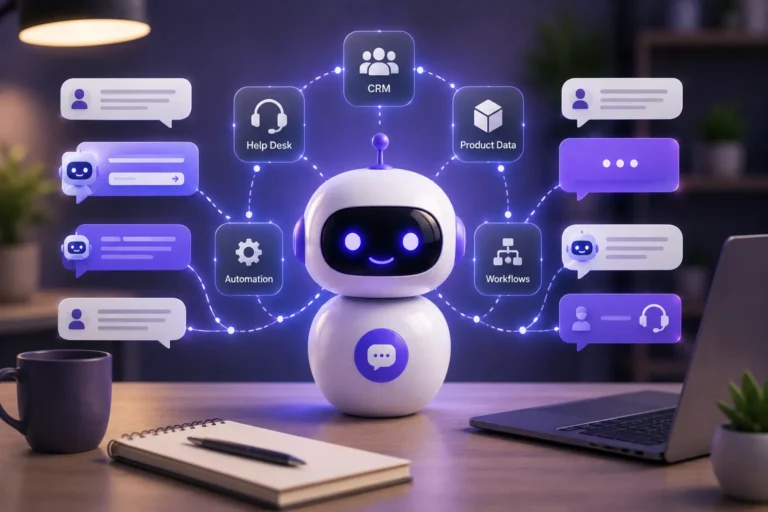
This is why chat bot software is no longer just a script with canned replies. In a business setting, it can connect with CRM, help desk systems, product data, or process automation. BanzaIT describes its no-code chatbot builder as a platform that lets teams create and maintain bots without involving developers, while Creatio positions its platform as AI-native and built for workflows and CRM together.
What’s the difference between AI chatbots and simple bots?
The difference is flexibility.
A simple bot:
- follows a fixed script
- works well with predictable questions
- is fast to launch for narrow use cases
An AI bot:
- understands free-text input more naturally
- can handle more variation in phrasing
- works better when questions are less predictable
So when people compare AI chatbots with basic bots, they are really comparing structured decision trees with more adaptive conversation systems. IBM makes this distinction clearly in its chatbot explainers.
That does not mean every company needs the most advanced bot on day one. Sometimes a simple service chatbot is enough. But when a business wants richer dialogs, knowledge retrieval, workflow triggers, and handoff logic, AI chatbots for business become much more useful.
A chatbot is valuable not because it “talks,” but because it reduces friction in a real process.
What are the benefits of using chatbots?
The main benefits are practical, not theoretical.
Faster response time
A bot can answer immediately, even outside working hours. That alone improves user experience in many service scenarios.
Lower load on teams
Bots can take first-line questions, collect details, and route only complex issues to staff.
Better lead capture
A chatbot can respond when a sales team is offline, qualify interest, and save the request.
More consistent answers
Bots use approved logic and content, so replies are less dependent on who is on shift.
Easier scaling
One bot can handle many simultaneous conversations. That matters during promotions, service peaks, or onboarding periods.
These are the real reasons AI chatbots for business are growing: they help companies serve more people without scaling manual work at the same speed.

How businesses use chatbots (real examples)
Here are a few realistic use cases:
Customer support
A chatbot customer service flow answers routine questions, checks order or account status, and opens tickets when needed.
Sales qualification
A bot asks 3–5 simple questions, qualifies interest, and sends the lead to the right team.
Booking and scheduling
The bot shows available slots, confirms details, and sends reminders.
Internal support
Employees use a bot to ask about policies, request access, or find HR and IT answers.
BanzaIT also shows practical chatbot use in industries such as banking, retail, telecom, and manufacturing, where bots support 24/7 communication and connect to business processes.
How to start using chatbots
Start small. The best first chatbot is not the smartest one. It is the one that solves a clear problem.
A practical launch path looks like this:
- pick one high-volume use case;
- map the most common user questions;
- decide where the bot should answer and where it should hand off;
- connect it to the right system or workflow;
- improve it based on real conversations.
If your team wants to build without heavy development, a no-code chat bot software approach is usually the fastest place to start. BanzaIT’s chatbot builder service is designed for that: a visual no-code builder for website and business chatbots, with support for free-text queries and workflow integration.
In short, what are chatbots? They are practical business tools for conversation, service, and automation. A simple bot can answer standard questions. An AI conversation bot can do more: understand requests, guide the next step, and connect communication with business workflows. For companies looking at automation and AI solutions, that is where the real value starts.
AI Chatbots Built for Real Business Processes
Automate customer interactions, reduce support load, and turn conversations into structured workflows
View solution