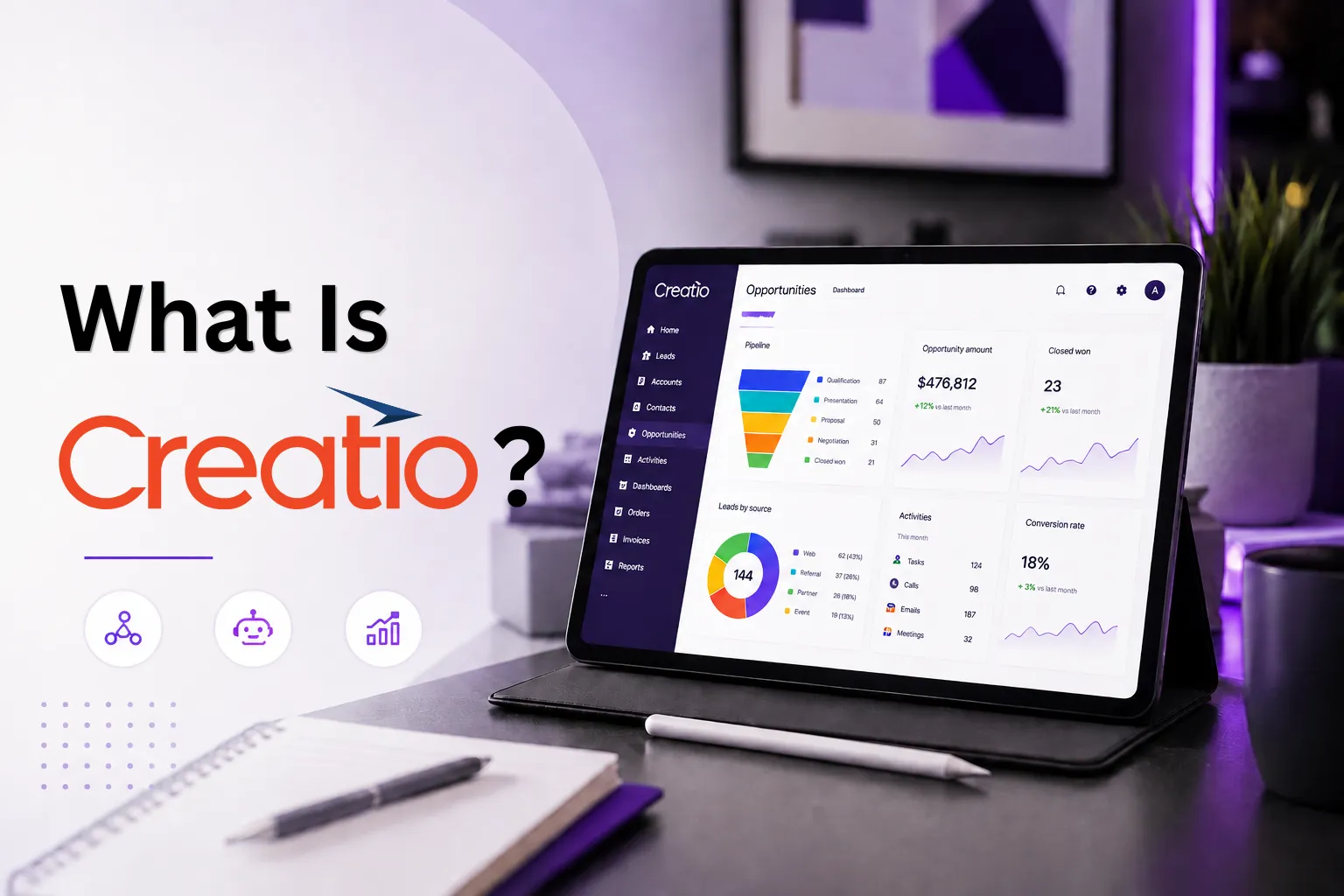
What Is Creatio? A Guide to the AI-Native No-Code Platform
Choosing a CRM or automation platform is rarely just about software. Most companies start looking for a solution when daily work becomes harder to control: sales data lives in different places, approvals take too long, customer requests get lost, and every process change depends on developers.
Creatio is one of the platforms businesses consider when they want to bring CRM, workflow automation, no-code tools, and AI-assisted work into one system. In simple terms, it helps teams manage customer-facing processes and internal operations without building everything from scratch.
This guide explains what Creatio is, how it works, what problems it helps solve, and when it may be the right fit for a growing business.
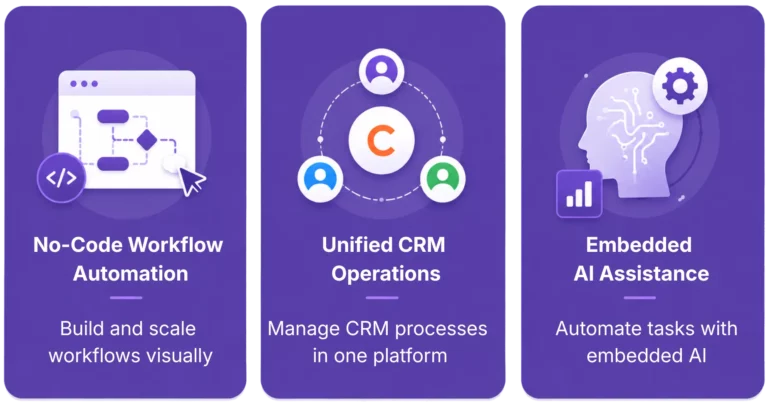
Two terms matter here:
- No-code means users can build workflows, forms, apps, dashboards, and automations with visual tools instead of traditional coding. This is useful for business teams that want faster changes without waiting for long development cycles. Creatio Studio is the part of the platform designed for that work: it includes visual tools for data models, interfaces, and process design.
- AI-native means AI is not an add-on bolted onto the side. In Creatio, AI is embedded into the platform itself, including ready-to-use AI agents and tools that help teams automate tasks, surface insights, and support decisions inside everyday workflows.
That combination is the core idea behind Creatio CRM: one platform for customer workflows, operational processes, no-code development, and AI-assisted automation. For businesses that want a more tailored setup, partners such as BanzaIT also help design, implement, and extend the platform through Creatio CRM integration.
What is Creatio?
Creatio is an AI CRM and workflow platform designed to help companies manage customer workflows, automate operations, and streamline processes in one system. Instead of relying on multiple disconnected tools, businesses can run sales, service, automation, and AI-assisted workflows within a single platform.
At a product level, Creatio software usually refers to several connected parts, each powered by generative, predictive and agentic AI capabilities:
- Creatio CRM for sales, marketing, and service
- Creatio Sales for pipeline and revenue workflows
- Creatio Marketing for campaigns and lead management
- Creatio Service for customer support and case handling
- Creatio Business Studio for building agents and applications with AI and no-code
- Creatio AI Studio for managing AI agents and AI-assisted workflows across the platform
So, if someone asks “Is Creatio just a CRM?”, the short answer is no. It includes CRM, but it is broader than that. It is a workflow platform with CRM applications on top.

What problems does Creatio solve?
Creatio is useful when a company has too many manual steps, disconnected tools, or customer processes that do not scale well.
Here are common problems it helps solve:
- sales teams track deals in spreadsheets and lose visibility
- service teams handle requests in email chains with no clear workflow
- marketing teams run campaigns, but data does not flow cleanly into CRM
- business teams need changes fast, but every update depends on developers
- different departments use different systems, so work gets fragmented
In those cases, Creatio helps centralize data, standardize workflows, and automate repetitive actions. Because the platform combines AI CRM and process automation, teams can work from a shared system instead of stitching together many separate tools. That is one reason organizations choose Creatio’s no-code CRM and workflow platform.
A practical example: a company may want leads from web forms to go into CRM automatically, be scored, routed to the right manager, pushed into a follow-up sequence, and later handed to service after the sale. In many companies, that requires several tools. In Creatio, the same flow can be designed inside one platform.
How does Creatio actually work?
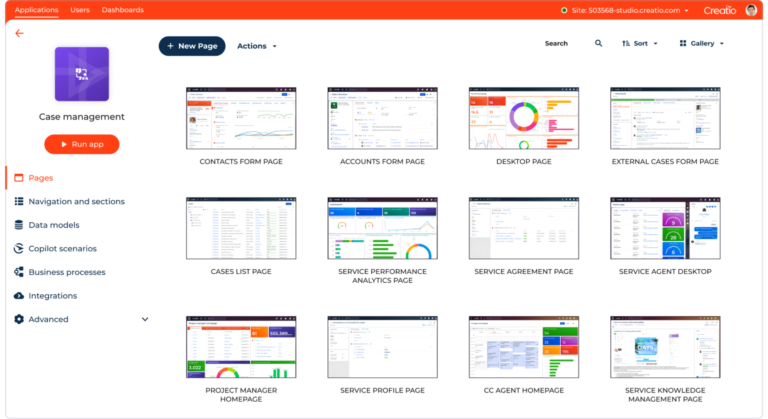
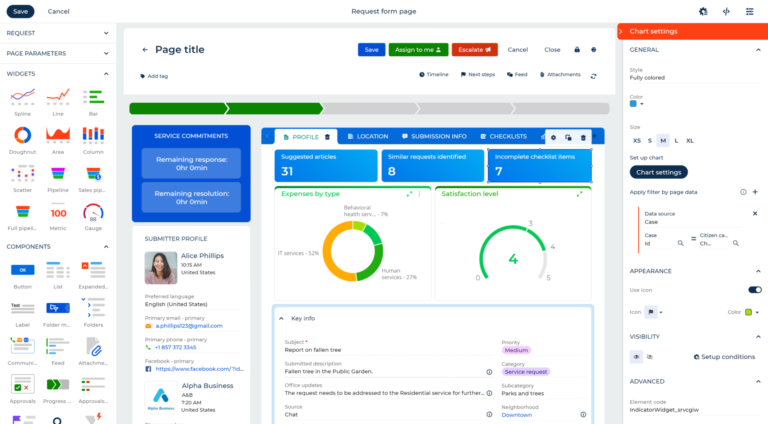
Creatio works as a visual business platform. Users define data, build applications, configure screens, and automate workflows using AI coding agents and no-code visual designers. They do not need to write everything from scratch.
A simple way to think about it:
| Layer | What it does |
| CRM apps | Run sales, marketing, and service processes |
| No-code tools | Build workflows, forms, pages, and apps |
| AI layer | Supports users with AI agents, automation, and insights |
| Integrations | Connects Creatio with other business systems |
This is where Creatio Studio matters most. It gives teams visual designers for interfaces, processes, and applications. In practice, that means a company can change approval flows, customer journeys, or internal workflows faster than with a traditional hard-coded system.
The AI part is also practical, not abstract. Creatio positions AI agents as built-in assistants that help automate repetitive tasks, generate insights, and support daily work. Its 2025 report on AI agents and no-code says the research is based on input from 560+ business leaders, which shows this is already being treated as a business operations topic, not just a trend headline.
Who is Creatio for?
Creatio is best suited to companies that want flexible CRM and workflow automation without turning every change into a custom development project.
It is usually a good fit for:
- mid-sized and enterprise companies
- teams with complex approval chains or customer journeys
- businesses that want to automate sales, service, and operations together
- organizations that need tailored workflows but want less coding
- companies working with implementation partners such as BanzaIT
This does not mean every business needs Creatio. A very small company with a simple pipeline may be fine with a lightweight CRM. But if a company needs deeper automation, cross-team workflows, or industry-specific customization, Creatio becomes more relevant.
What are the key benefits?
The main benefit is flexibility without losing structure. Here are the biggest advantages:
One platform for CRM and workflows
Creatio combines customer processes and operational workflows in one system. That reduces fragmentation and makes handoffs easier between departments.
Faster change with no-code
Business teams can make many changes through visual tools. That usually means faster delivery than waiting for full-code development on every update. Creatio Studio is central to this benefit.
AI built into daily work
Because the platform is AI-native, AI agents and AI tools are designed to support real workflows, not sit separately as an optional feature.
Better fit for complex business processes
Creatio is not just about storing customer records. It is built for companies that need structured, automated workflows around those records.
Strong partner ecosystem
Businesses often succeed faster when they implement Creatio with a partner that understands their processes, data flows, and industry context. That is where BanzaIT’s expertise becomes relevant: as a Creatio integrator, we help companies not just deploy the platform, but connect it with existing systems, adapt workflows, and turn Creatio into a practical business system.
What should you consider before choosing Creatio?
Before choosing Creatio, ask a few direct questions.
Do you need customization?
If your business model is standard and simple, a smaller CRM may be enough. Creatio is stronger when processes are more specific or complex.
Do you need workflow automation, not just CRM?
If you only want a contact database and a basic pipeline, you may not need the full platform. But if you want process logic, approvals, routing, service flows, and automation, Creatio is more compelling.
Do you have a clear implementation plan?
Like any serious business platform, Creatio works best when requirements, ownership, and rollout priorities are clear.
Have you checked independent feedback?
If you are reading Creatio reviews, it is smart to compare several sources instead of relying on one. Even Creatio’s own guidance suggests checking multiple sources such as analyst reports and review platforms when evaluating CRM tools.
Do you have the right partner?
The platform is powerful, but the business result depends on implementation quality. A good partner helps translate platform capabilities into actual business outcomes.
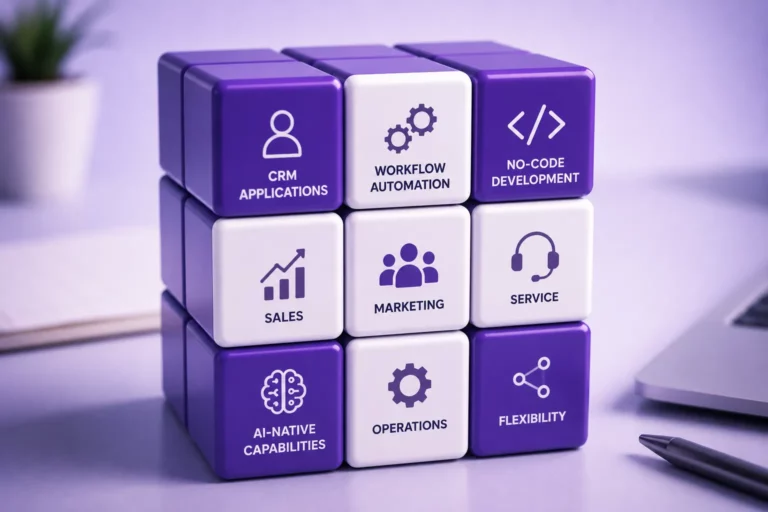
In simple terms, Creatio is a strong option for companies that need more than a basic contact management tool. It combines CRM applications, workflow automation, no-code development, and AI-native capabilities in one platform, helping teams manage sales, marketing, service, and operational processes with more flexibility.
If you came here asking what is Creatio, the clearest answer is this: it is an AI-native, no-code platform that brings CRM, workflow automation, and AI tools into one business environment. If you are comparing Creatio software options, looking into Creatio CRM, evaluating Creatio CRM capabilities, or reading Creatio reviews, the real question is not only what the platform can do, but how well it can be adapted to your processes, team structure, and growth plans.
BanzaIT is a Creatio integrator and implementation partner that helps businesses design, configure, integrate, and extend Creatio according to their real workflows. Our team works with both Creatio-based and non-Creatio solutions, helping companies connect CRM, BPM, web and mobile applications, portals, and internal systems into a practical digital ecosystem.
If your business is considering Creatio or planning a Creatio CRM integration, contact BanzaIT. We can help you assess your processes, choose the right implementation approach, and stay competitive through scalable no-code, AI-native, and industry-focused solutions.